
CNC machining
A computer-controlled machine cuts your part out of a solid block of metal or plastic. Best for strong, precise parts.
What it is
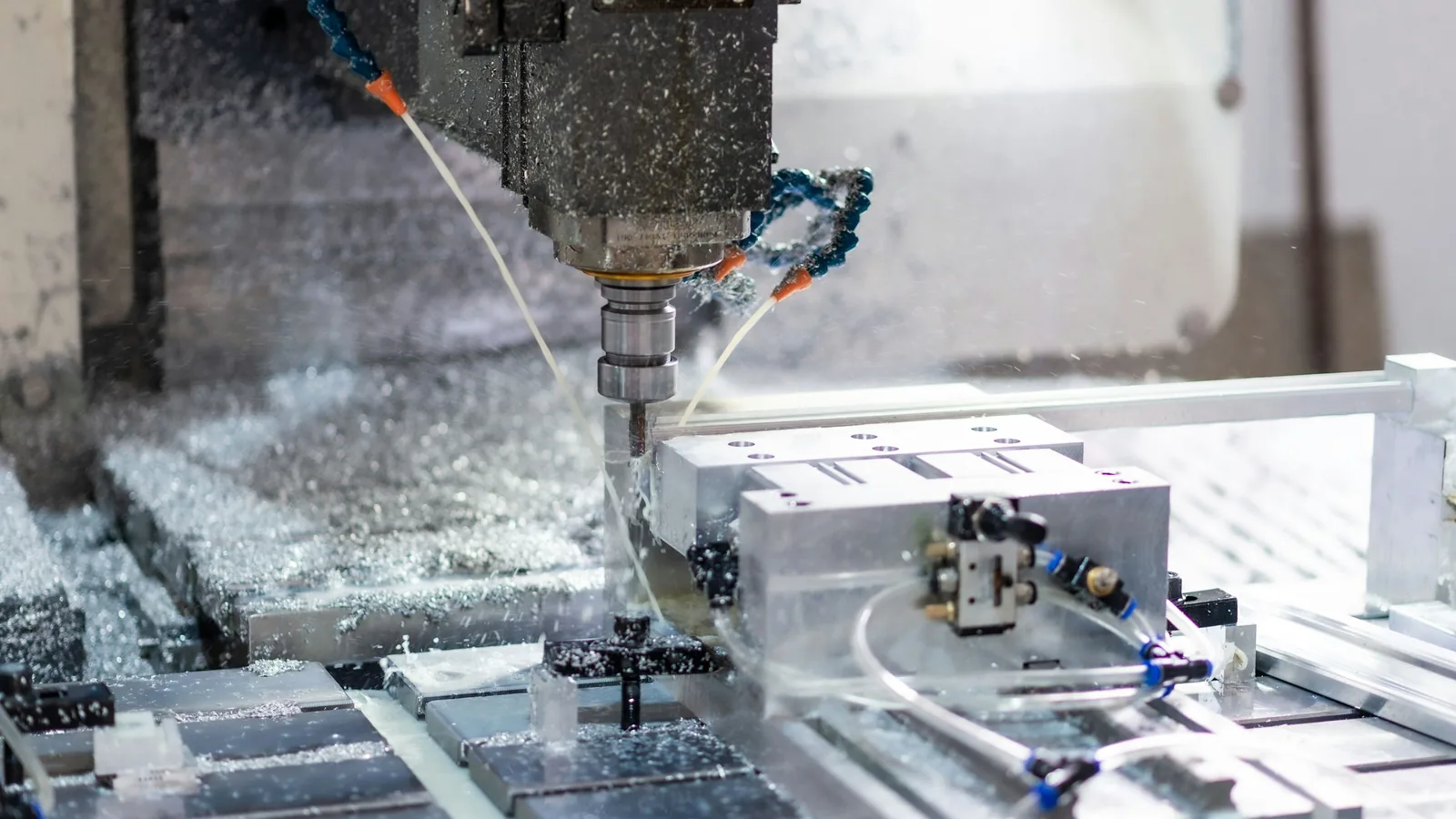
CNC machining starts with a solid block or bar of metal or plastic. A computer-controlled machine cuts material away until only your part is left. The result is strong and very accurate, which is why CNC is used for working parts such as brackets, shafts, flanges, housings and fixtures.
Because each design needs some set-up, the first part costs more than a 3D print. The price per part drops quickly when you order more.
Good for
- Brackets, mounts and plates that carry load
- Shafts, bushes, spacers and flanges
- Parts that must fit precisely with other parts
- Metal prototypes that must behave like the final product
- Fixtures and jigs for workshops
Materials
These are the materials you can choose in the price calculator. If you are not sure, keep the first option — it suits most parts. See all materials for more detail.
- Aluminium (6061) — light and strong, the most popular choice
- Aluminium (6082) — general purpose
- Aluminium (7075) — extra strong
- Stainless steel (304) — does not rust
- Stainless steel (316) — for outdoor and sea use
- Steel (mild steel) — strong and low cost
- Brass — gold-coloured, decorative, machines well
- Acetal / POM — hard, slippery plastic
- Nylon — tough plastic
Surface finishes
A finish changes how the part looks and feels, and can protect it. It does not change the shape.
- As machined — bare metal with light tool marks
- Bead blasted — an even matte look
- Anodised — a protective coating in natural colour (aluminium)
- Anodised black — a protective black coating (aluminium)
- Powder coated — a tough painted colour finish
Which file to send
STEP or IGES files from your CAD software give the best result, because they keep exact round holes and curves. STL, OBJ and 3MF also work for an estimate. If some holes need threads or very tight sizes, tick “I have a drawing (PDF)” and attach the drawing to your order email.
Tips for a good result and a lower price
- Inside corners are always slightly rounded by the cutting tool; avoid perfectly sharp inside corners.
- Very deep, narrow holes and thin walls take longer to make and cost more.
- Use “Standard” precision unless a size really needs to be tight — tighter precision costs more.
- Order several at once: set-up cost is shared between all parts.
Common questions
Can you cut threads?
Yes. Show threads on a PDF drawing or describe them in the order notes (for example “2 × M4 threads”). Our engineer will confirm before production.
Which aluminium should I pick?
Aluminium 6061 suits almost everything. Choose 7075 only for highly loaded parts.
Why is one part expensive and ten parts cheaper each?
Each design needs programming and set-up time. That cost is shared across all parts in the batch.
Ready to see a price?
Upload your file and get an estimate in seconds. No sign-up needed.